Side Project · Live
Photobooth
A photobooth built to be simple. An iPad, a web page, and a QR code.
Solo build · Since February 2026
Overview
A photobooth has one job: take a good photo and get it into the guest's hands.
So every part is kept simple. Simple to use, simple to explain, simple to get your photos, and simple to set up for the next event.
Simple to Use
Tap
The whole screen is the button. A peace sign or a Bluetooth remote works too.
Pick
Every frame previews with the guest's own photos in it. One frame? This step is skipped.
Scan
A QR code opens the collage on the guest's phone. Save it and go.
Simple Instructions
This is everything the booth says, word for word. The steps are written from the event's settings, so they always match what the booth does.
How it works
- Tap the screen or show a peace sign ✌️ to start.
- After 3 shots, choose a template.
- Scan the QR code to download your picture!
Please be gentle with the iPad 😢
If it needs a staff member standing next to it, it isn't simple enough.
Simple to Get Your Photos
- Shots takenon the iPad
- QR on screenright away
- Guest scanswith the phone camera
- Photo appearsready to save
Wi-Fi down? The QR still works. Photos wait on the iPad, retry every minute, and appear on the guest's link once they land.
Simple to Set Up an Event
- 01
Duplicate an Event
Copy the last event in the admin panel. Change the name and shot count.
- 02
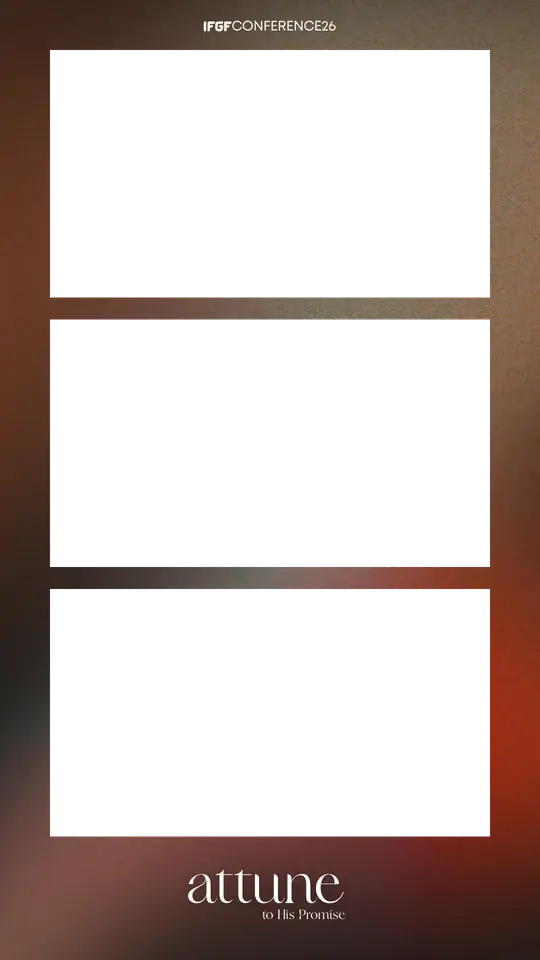
Drop In a Frame
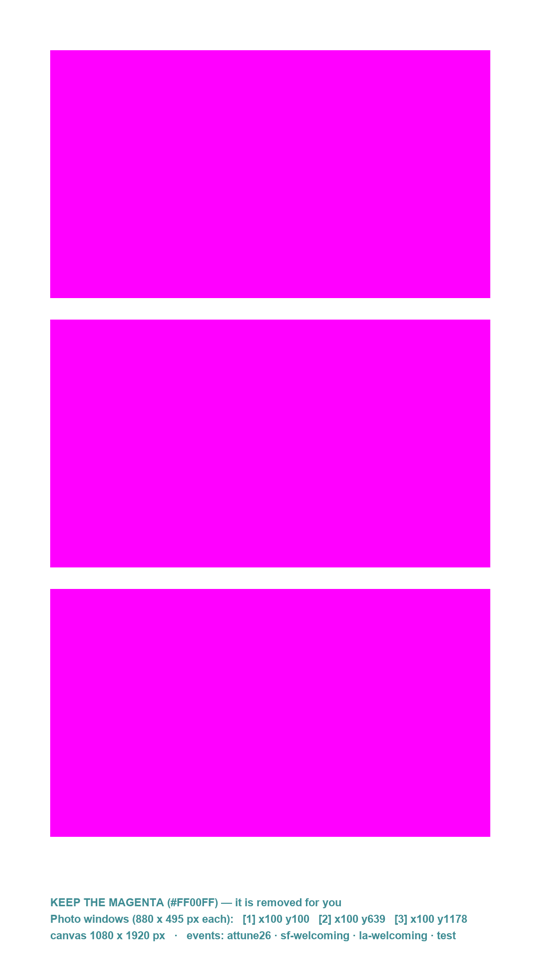
Design it in Canva on a starter file. A script finds the photo windows, so nothing is placed by hand.
- 03
Open the Link
Open the booth link on the iPad. The organizer gets their own link to download every photo as a ZIP.
Simple Under the Hood
- iPadthe booth web page
- One serverDatabasePhotos
- Guest phonethe download page
Plain Web Page
HTML, CSS, and JavaScript. No framework, no build step. Collages are drawn right on the iPad.
One Server
One Node.js server, one database, and one photo bucket run every event.
Settings, Not Code
Frames, shots, countdown, and gestures are event settings. A new event never needs a code change.
See It Live
The booth front end is open source.